Affiliate Disclosure: This site contains affiliate links. We may earn a commission if you subscribe through our links, at no cost to you.
CrushOn AI Image Generation Guide 2026: How to Get Images from Your AI Character
CrushOn AI includes a built-in text-to-image generation feature that lets you request AI-generated visuals within the chat interface. Standard plan subscribers get 50 images per month; Premium subscribers receive 200 HD images per month; Deluxe subscribers have unlimited generation. The feature is embedded directly in conversations — you describe what you want to see, and the AI generates an image as part of the chat response. NSFW images are available for adult users on paid plans. This guide covers how the feature works, how to write better image prompts, and how to resolve the common errors that prevent images from loading.
How Image Generation Works on CrushOn AI
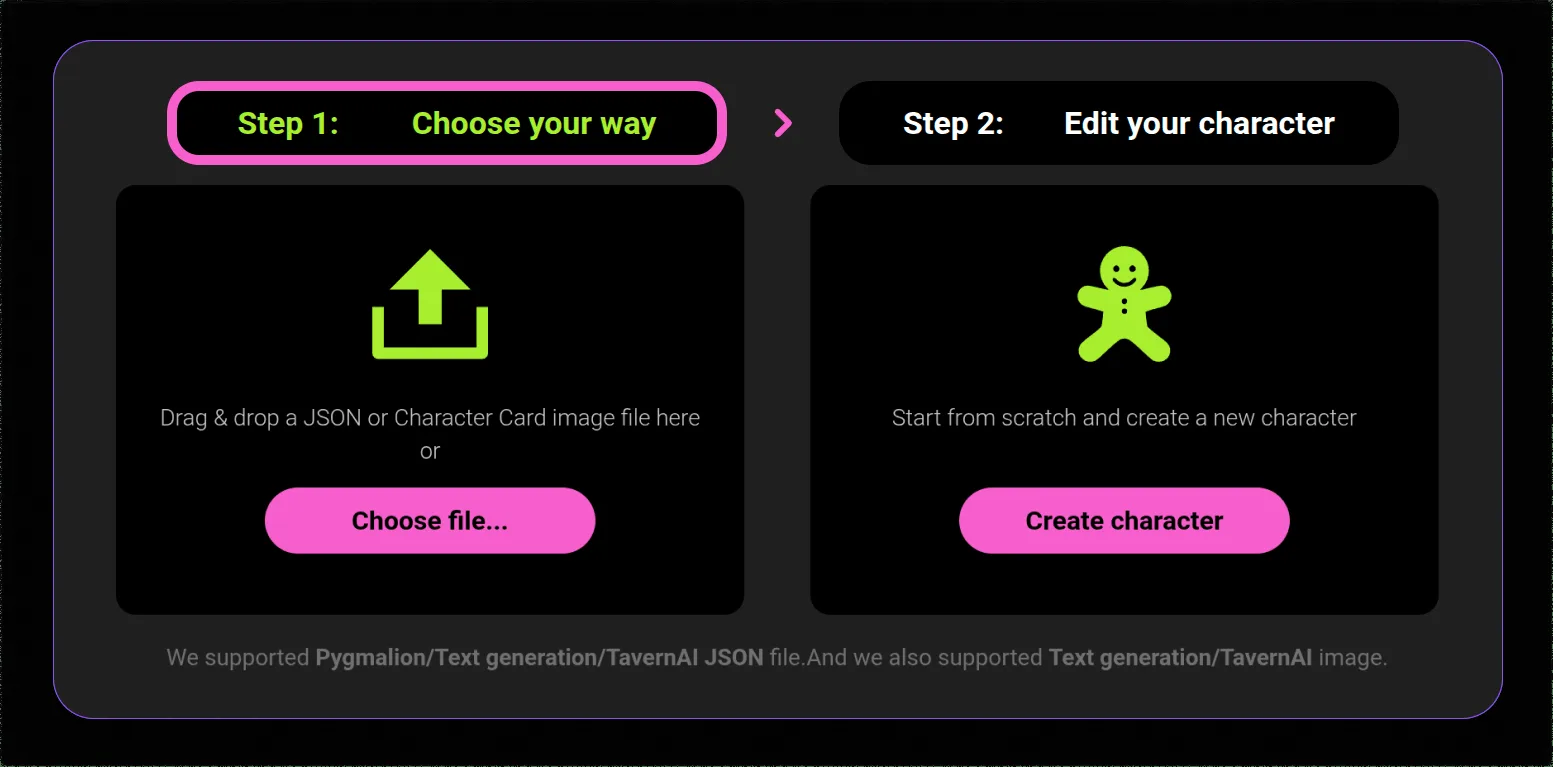
CrushOn AI's image generation is conversational rather than a standalone image editor. You do not go to a separate image generation tool — instead, you request images as part of your conversation with an AI character.
The basic mechanism: During a conversation, include a request for an image in your message. You can phrase this naturally ("Can you show me what you're wearing?") or more explicitly as a scene description. The AI interprets your request, generates an image using its text-to-image model, and sends it as part of its reply alongside text.
Image quality model: The image generation uses AI image synthesis to produce the visuals. The resolution and quality are tied to your subscription tier — Standard produces standard-quality images, while Premium unlocks HD image generation.
Content availability: Standard content images are available to all paid subscribers. NSFW images — explicit adult-themed imagery — are available to adult users on paid plans. The platform applies the same age verification standard to image content as to text content: self-reported 18+ confirmation.
Image Generation Limits by Plan
| Plan | Monthly Images | Image Quality | NSFW Images |
|---|---|---|---|
| Free | Limited basic | Basic | Restricted |
| Standard ($5.99/mo) | 50/month | Standard | Yes (adults) |
| Premium ($14.99/mo) | 200/month | HD | Yes (adults) |
| Deluxe ($49.90/mo) | Unlimited | HD | Yes (adults) |
The jump from Standard to Premium in image quantity is significant — 200 versus 50 per month. For users whose primary interest in CrushOn AI is image generation rather than chat, Premium is the more appropriate tier.
Image limits reset monthly with your billing cycle, not daily like the free tier message limit.
How to Request Images: Step-by-Step
Step 1: Start or open a conversation with an AI character.
Step 2: Enable image generation if prompted. Depending on your account settings, you may need to activate the image feature from within the conversation settings or the character's options.
Step 3: Write your request. You can ask conversationally or provide a detailed scene description. More specific prompts produce better results than vague ones (more on this below).
Step 4: Send the message. The AI will process your request and generate an image alongside its text response. Generation typically takes 5-15 seconds depending on server load.
Step 5: The image appears in the chat. On the Premium plan, images are generated at higher resolution.
If images are not generating: Make sure your subscription includes image generation (Standard or above for regular usage), check that you have not exceeded your monthly limit, and verify the feature is enabled in your conversation settings.
Writing Better Image Prompts
The quality of generated images depends heavily on prompt specificity. Here is how to write prompts that produce better results.
Be specific about visual details: Instead of "show me your outfit," write "wearing a red satin dress with off-shoulder cut, standing near a window in soft evening light." The AI image model responds to visual specificity in the same way the text AI responds to detailed character descriptions.
Include lighting and environment context: "Soft warm lighting" versus "harsh fluorescent light" produces dramatically different images. "Indoor library" versus "outdoor beach at sunset" changes composition, color palette, and mood.
Specify character-specific attributes: If you want the image to reflect the character's established appearance, include hair color, style, and other defining features explicitly even if they are in the character card. Image generation does not always pull from the character card automatically.
For NSFW content: Be explicit and specific rather than vague. The image model responds to detailed visual descriptions. Include composition, pose, setting, and specific elements you want to see. Vague requests for adult content often produce generic results.
Avoid over-complicated multi-subject scenes: Current AI image generation performs better with one or two subjects. Scenes with many people, complex backgrounds, or detailed architectural elements may produce lower quality results than simpler compositions.
Ready to try CrushOn AI?
Visit CrushOn AISharing and Saving Images
CrushOn AI images are generated and displayed within the chat interface. Depending on your device and browser, you may be able to right-click (on desktop) or long-press (on mobile) to save images to your device. The ability to download images varies by platform and may not be available in all cases.
Images generated in conversations are stored with your conversation history on CrushOn AI's servers. They are accessible when reviewing past conversation history but are subject to the same data retention policies as text conversations.
Images cannot currently be shared directly from the platform to external social media — you would need to save the image first and then share it manually.
Troubleshooting: Images Not Loading
Several common issues prevent images from loading or generating correctly.
"Image not found" error: This typically indicates server congestion during peak usage hours. The image generation request was processed but the delivery failed. Refresh the page and scroll back to the conversation — the image may load after a refresh. If it does not, resend the request.
Images generating as broken placeholders: Clear your browser cache or app cache. Outdated cached data sometimes interferes with image delivery. On desktop: Ctrl+Shift+Delete to access browser cache clearing. On Android app: Settings > Apps > CrushOn AI > Storage > Clear Cache.
Generation taking more than 30 seconds: This indicates high server load. During peak hours (typically evenings in US time zones), generation times increase. Either wait for the generation to complete or try at a less congested time. Premium and Deluxe subscribers have priority processing that reduces wait times.
Monthly image limit reached: When you have used all images for the month, CrushOn AI will notify you and prompt you to upgrade your plan or wait until your billing cycle resets.
Feature appears unavailable: Confirm your subscription tier includes image generation. The free tier has highly limited image generation. If you are on a paid plan and the feature appears unavailable, try logging out and back in or contact support.
For image generation troubleshooting alongside broader platform issues, see our CrushOn AI not working guide. To understand which tier gives you the best image generation value, read our pricing guide.
Frequently Asked Questions
The free tier includes very limited basic image generation. For meaningful image generation — 50+ images per month with standard quality — a Standard plan ($5.99/month) or above is required. Free tier users can test the feature but will quickly encounter limits.
Yes. NSFW image generation is available for adult users (18+) on paid plans. The age verification is self-reported. NSFW image generation is subject to the same content policies as text content and is available on Standard tier and above.
Standard plan: 50 standard-quality images per month. Premium plan: 200 HD images per month. Deluxe plan: unlimited images. Free tier: limited basic generation.
The most common cause is server congestion during peak hours. Try refreshing the page, clearing browser or app cache, and requesting the image again. If the issue persists, check CrushOn AI's official Twitter (@CrushonAI) for announcements about server issues.
Downloading functionality varies by platform and may not be available in all cases. On desktop web, right-clicking on a generated image may offer a save option. On mobile, long-pressing the image may allow saving to your device. The platform does not provide a dedicated download button for all images.
The most effective approach is detailed visual descriptions rather than vague requests. Specify the character's appearance attributes, the setting, lighting conditions, and specific visual elements you want to see. For example: "Show me [character name] sitting at a café table in Paris, afternoon sunlight through the window, wearing a dark blue blazer" produces better results than "show me [character] in a café."