Affiliate Disclosure: This site contains affiliate links. We may earn a commission if you subscribe through our links, at no cost to you.
CrushOn AI Character Creation Guide: Build Better AI Characters Step by Step
CrushOn AI allows every user — including free accounts — to create custom AI characters from scratch. The quality of a character's conversations is almost entirely determined by how well the character card is written. A vague two-sentence description produces generic, inconsistent responses. A detailed character card with specific personality traits, speech patterns, and backstory context produces an AI that feels coherent, immersive, and true to your design. This guide walks through the full character creation process and the specific techniques that separate good character cards from forgettable ones.
Getting Started: Finding the Character Creator
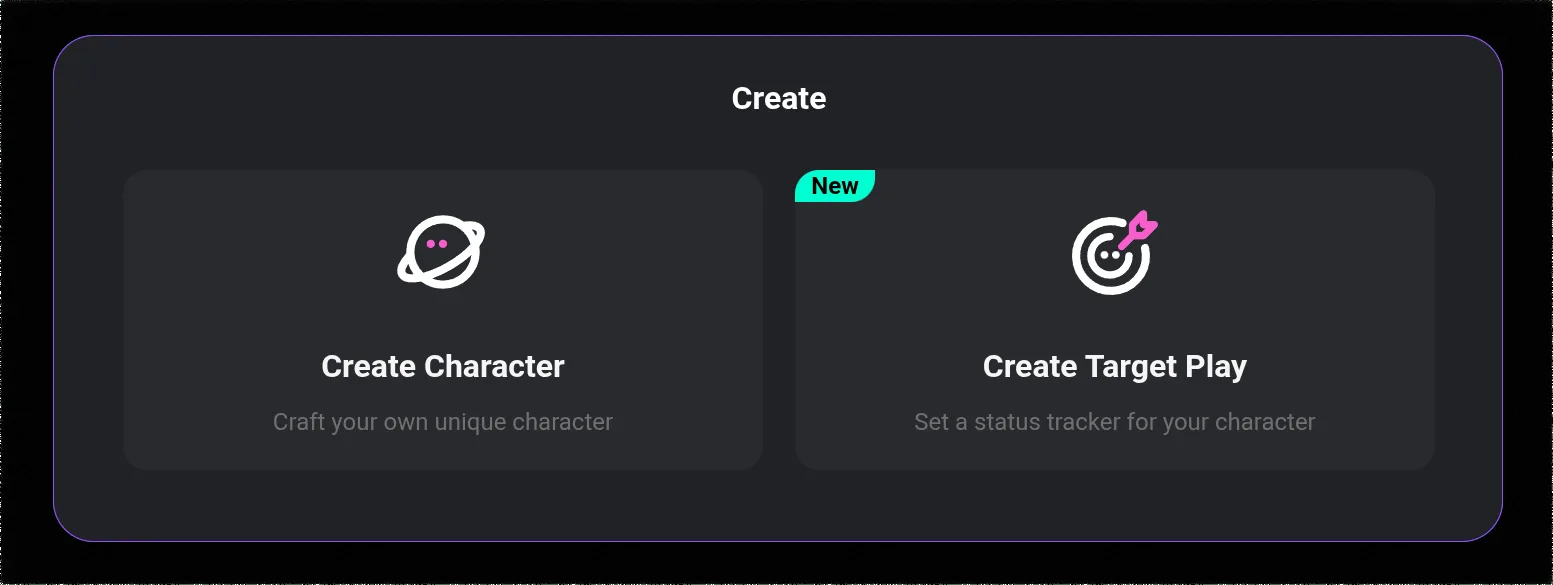
Character creation on CrushOn AI is accessible from the main interface. Here is how to navigate there.
On web (crushon.ai):
- Log in to your account
- Look for the "Create" button or "+" icon in the left sidebar or main navigation
- Select "Create Character" from the options
On Android app:
- Open the app and ensure you are logged in
- Tap the create icon (usually a pencil or "+" symbol) in the navigation bar
- Select "Create Character"
The character creation form opens with several fields to complete. You do not need to fill everything in perfectly on the first draft — characters can be edited after creation.
The Character Card: Core Fields Explained
The character card is the foundational document that tells the AI how to behave. Each field contributes differently to how the AI interprets and portrays the character.
Name: The character's name. Keep it consistent with any existing persona you are building. The AI uses the name to maintain character voice in responses.
Avatar/Profile Image: You can upload an image or generate one. The image does not directly affect conversation quality but does affect how the character appears in the library if published publicly.
Tags and Category: Assign genre tags (fantasy, anime, realistic, sci-fi, etc.) and a content category. These affect discoverability in the public library. Accurate tagging helps the right users find your character.
Persona/Personality Description: This is the most important field in the character card. Write 4-6 specific personality traits and expand on each with behavioral examples. Do not write: "She is kind and funny." Write: "She is warm and empathetic, often pausing to check how others are feeling before sharing her own thoughts. Her humor is dry and observational — she makes jokes by pointing out ironic contradictions rather than by being loud or slapstick."
Backstory: The character's history, motivations, and context. A good backstory gives the AI anchor points to reference in conversation. Include: where the character grew up, key formative events, their current situation, and what they want from their conversations with the user.
Initial Message / Greeting: The first message the AI sends when a user starts a conversation. This sets the tone and establishes the character's voice immediately. Write this in the character's voice, not as a summary. A good opening message demonstrates the character's personality rather than describing it.
Speech Style: How the character talks. Include examples of verbal habits, vocabulary level, whether they use formal or casual language, specific phrases they favor, and how they express emotions verbally.
Writing Effective Personality Descriptions
The personality field has the highest impact on conversation quality. Here are the techniques that work.
Use 4-6 specific traits, not generic ones:
Generic: "He is brave, loyal, and mysterious."
Specific: "He shows bravery through deliberate action rather than bravado — he plans carefully before acting and is uncomfortable with praise for courage. His loyalty is selective; once earned, absolute. He maintains personal mystery not through evasiveness but through incomplete sentences and subjects changed at exactly the right moment."
Include behavioral contradictions: Real-feeling characters have internal contradictions. A stern soldier who cries at sunsets. An arrogant scholar who is genuinely kind to service workers. Contradictions make AI characters more interesting to interact with.
Define emotional responses: Tell the AI how the character reacts to different emotional situations. "When confronted with betrayal, she goes cold and precise rather than emotional. Anger comes later, and privately." This gives the AI a behavioral template rather than leaving responses to chance.
Specify relationship dynamic preferences: If you want the character to be dominant, submissive, equal, maternal, mentoring, or any other specific relational dynamic, state it explicitly. The AI interprets ambiguous character cards as generic.
Ready to try CrushOn AI?
Visit CrushOn AIWriting the Backstory
A well-written backstory gives the AI anchor points for reference, increasing consistency across longer conversations.
Include these backstory elements:
- Geographic and cultural origin (where they grew up, the culture that shaped them)
- One or two formative events that explain a key personality trait
- Current living situation and daily context
- Relationship history relevant to how they interact with users
- Goals, fears, and unresolved conflicts
Backstory length: 150-300 words is the ideal range. Shorter backstories give the AI too little context. Longer backstories may exceed what the AI can actively reference in shorter conversations.
CrushOn AI's memory feature (deeper on paid tiers) helps characters remember conversation history, but the backstory is what anchors the AI's base personality. Even with short-session memory on the free tier, a good backstory produces consistent character behavior.
Advanced Tips for Better Characters
Define what the character will and will not do: If you want the character to maintain specific content or behavioral limits, state them in the character card. "This character does not discuss real-world events." Or for adult characters: "This character engages openly with adult themes and does not deflect or break character when conversations become explicit." The AI follows these instructions more reliably when they are explicit.
Use example dialogue: Some character creators include 2-3 example dialogue exchanges in the character description. Format these as User: / Character: pairs. Example dialogue is one of the most effective ways to demonstrate speech patterns and emotional tone simultaneously.
Write the initial message in first person: The initial greeting message should be written as the character speaking, not as a description of the character. "I've been waiting for someone interesting to talk to. You look like you have a story." Not: "This character will greet the user warmly and express interest."
Test and iterate: After creating the character, start a conversation and note where the AI deviates from your intent. Return to the character editor and add specificity in the areas where responses were off. Character refinement is iterative — the first version is rarely optimal.
Sharing and Publishing Your Character
CrushOn AI allows you to share characters with the community or keep them private.
Private characters: Available only to you. Good for highly personalized characters that would not interest the broader community.
Public characters: Published to the community library where other users can find and interact with them. If your character becomes popular, it will appear in search results and category browsing for all CrushOn AI users.
Characters can be shared via direct link or character card export. The character card format allows importation of community-created characters from external sources compatible with the CrushOn AI format.
To understand how model choice affects character performance, see our AI model comparison guide. For information on generating images with your characters, read our image generation guide.
Frequently Asked Questions
Yes. Character creation is available to all users regardless of subscription tier, including free accounts. There is no limit on the number of characters you can create, edit, or delete. Publishing characters to the public library is also free.
Four to six specific, well-described personality traits is the optimal range. Fewer traits leave too much undefined, resulting in generic responses. More than six traits can create contradictions that confuse the AI's behavior. Focus on traits that actually affect how the character speaks and behaves rather than surface-level adjectives.
Yes. Character cards can be edited at any time after creation. Changes to the character card apply to new conversations. Existing ongoing conversations may retain previous character interpretation depending on the conversation's memory state.
Yes. Characters you created can be deleted from the character management section of your profile. Deleting a character removes it from the library permanently — including for users who may have been interacting with it if it was published publicly.
Character memory depth is tied to your subscription tier. Free tier users have short-session memory only — the AI does not retain detailed context from previous separate conversations. Standard and Premium tier users have progressively deeper memory. Deluxe users benefit from a 16K context window. Writing a detailed backstory and personality description helps the AI produce consistent responses even without deep memory, because the character card is always accessible.
Yes. Published characters can be shared via direct link from the character's profile page. Friends who receive the link can start conversations with your character even without their own CrushOn AI account (subject to free tier limits for unregistered or free users).