Affiliate Disclosure: This site contains affiliate links. We may earn a commission if you subscribe through our links, at no cost to you.
How to Download CrushOn AI in 2026: Android, iOS & Web Access Guide
CrushOn AI is available through Google Play Store, the Apple App Store (with regional restrictions), a direct APK download, and as a full-featured web application — no download required. The official website is crushon.ai. Most users on Android can install it within two minutes directly from the Play Store. iPhone users may need to use the web version depending on their region, since the iOS app has been removed from the App Store in several countries due to Apple's content policies around explicit material.
CrushOn AI on Android

Android is the most straightforward installation path for CrushOn AI.
Via Google Play Store (recommended):
- Open the Google Play Store on your Android device
- Search for "CrushOn AI" in the search bar
- Select the official app from Peekaboo Tech Inc.
- Tap "Install" and wait for the download to complete
- Open the app and proceed to account creation
The app is available in most countries through the Play Store and currently runs on Android 5.0 and above. The latest Android version as of 2026 is approximately v6.5.x. The Play Store version updates automatically when new versions are released.
Via Direct APK Download:
If the Play Store version is unavailable in your region or if you prefer to install manually, CrushOn AI's official website (crushon.ai) offers a direct APK download link.
- Navigate to crushon.ai in your Android browser
- Look for the "Download App" or "Get the App" link in the navigation
- Download the APK file (your browser may warn you about installing from unknown sources — this is normal for APKs)
- Open your device Settings > Security > Enable "Install from Unknown Sources" (exact path varies by Android version)
- Open the downloaded APK file and tap "Install"
- Once installed, open the app and sign in
The official crushon.ai APK is safe to download from the official website. Do not download CrushOn AI APKs from third-party APK hosting sites, as unofficial sources may distribute modified versions with malware or unwanted adware. Only the official crushon.ai download or the Google Play Store version are verified safe.
CrushOn AI on iOS (iPhone and iPad)
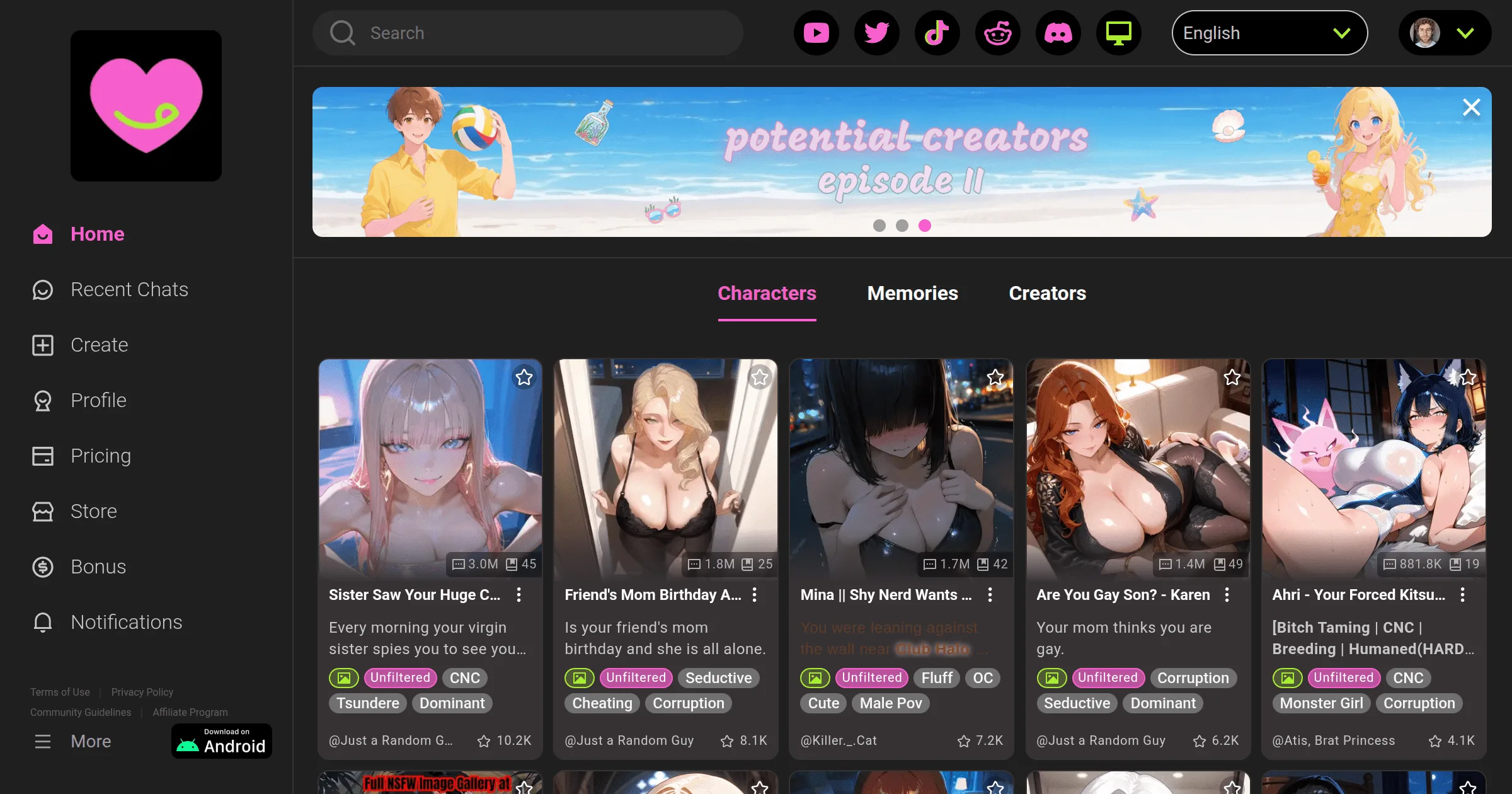
iOS access requires some context because availability has changed.
Current iOS status: CrushOn AI was available on the Apple App Store but was removed in several regions due to Apple's content policies, which restrict explicit NSFW material. App Store availability varies by country — it may be available in your region, or it may not.
Checking App Store availability:
Open the App Store on your iPhone and search for "CrushOn AI." If the app appears, it is available in your region and you can install it normally like any other app. If the search returns no results, the app is not available in your country's App Store.
iOS alternative — Web browser access:
iPhone and iPad users who cannot find the app on the App Store can access the full CrushOn AI experience through Safari or any iOS browser. Navigate to crushon.ai and the site loads as a fully functional mobile web application. All features available in the app are also available in the web version, including chat, character browsing, image generation (on paid plans), and account management.
Adding to home screen (PWA):
For a more app-like experience on iOS:
- Open crushon.ai in Safari
- Tap the Share button (the box with an arrow pointing up)
- Select "Add to Home Screen"
- Tap "Add" to confirm
This adds a CrushOn AI shortcut to your home screen that launches the site directly, functioning similarly to a native app.
CrushOn AI Web Version
The web version at crushon.ai deserves special mention because many users assume a mobile app is required. It is not. The web version provides full access to every feature including chat, character creation, image generation, voice messages (on Premium/Deluxe), and account settings.
Web version advantages:
- No installation required — works in any modern browser
- Always up to date (no manual app updates needed)
- Works on desktop computers and laptops, not just phones
- Full feature parity with the mobile app
- Useful when the app is unavailable in your region
System requirements: Any modern web browser (Chrome, Firefox, Safari, Edge) on any operating system. No special hardware requirements.
Desktop access: CrushOn AI has no dedicated desktop application, but the web version works excellently on desktop computers. Open crushon.ai in your preferred browser on Windows, macOS, or Linux. The interface adapts to larger screen sizes.
Ready to try CrushOn AI?
Visit CrushOn AIHow to Sign Up for CrushOn AI
Registration is the same process regardless of whether you are using the app or web version.
Step 1: Open CrushOn AI through your chosen platform (app or crushon.ai)
Step 2: Tap or click "Sign Up" or "Create Account"
Step 3: Choose your registration method:
- Email address (most flexible — enter your email and create a password)
- Google account (one-click sign-in with your Google account)
- Other social login options (availability varies)
Step 4: If using email, verify your email address by clicking the link sent to your inbox
Step 5: Complete the age verification screen — confirm you are 18 or older
Step 6: Your account is created and you can immediately start browsing characters and chatting
No credit card is required for account creation. The free tier is available immediately upon registration.
Registration tip: Consider using a secondary email address for registration rather than your primary personal email. CrushOn AI stores conversation data on its servers, and using a separate email reduces the connection between your platform usage and your main identity.
CrushOn AI App vs Web — Which to Use?
| Feature | Mobile App | Web Browser |
|---|---|---|
| Installation required | Yes | No |
| Push notifications | Yes | Limited |
| Desktop usage | No | Yes |
| iOS availability | Limited (region-dependent) | Yes (all regions) |
| Feature parity | Full | Full |
| Offline access | No | No |
| Auto-updates | Yes | Always current |
| Performance | Slightly smoother | Excellent on modern browsers |
The practical recommendation: use whatever is most convenient for your primary device. If you primarily use Android and the Play Store app is available in your region, the app offers a slightly smoother experience and push notifications. If you use iOS or desktop primarily, the web version is the better path given iOS availability limitations.
Troubleshooting: App Not Available or Not Working
"The app is not available in your country": This means the Google Play Store or Apple App Store has restricted the app in your region. Use the direct APK download from crushon.ai for Android, or use the web version for iOS and any other platform.
App crashes on launch: Check for an available app update in the Play Store. Outdated app versions are the most common cause of launch crashes. If updating does not resolve the issue, uninstall and reinstall the app.
Login not working: Verify your email and password are correct. Use the "Forgot Password" link if needed. If you registered with Google, use the Google sign-in button rather than email/password.
Features not loading: Check your internet connection. Try switching from WiFi to mobile data or vice versa. Clear the app cache (Android: Settings > Apps > CrushOn AI > Storage > Clear Cache).
For more detailed troubleshooting of CrushOn AI issues, including server status checking and known bugs, see our CrushOn AI troubleshooting guide.
Frequently Asked Questions
CrushOn AI has an iOS app but it has been removed from the App Store in many regions due to Apple's content policies on explicit material. iPhone users who cannot find the app in their App Store can access the full CrushOn AI experience through the Safari web browser at crushon.ai. All features including chat, image generation, and character browsing are available via the web version.
The CrushOn AI APK available directly from crushon.ai is safe to download and install. Only download from the official website — avoid third-party APK sites that may host modified versions. When installing an APK, Android will show a security warning about unknown sources, which is standard for any APK installation and not an indicator of malware from the official source.
Yes. CrushOn AI does not have a dedicated desktop application, but the web version at crushon.ai works fully on desktop and laptop computers in any modern browser. The interface adapts to larger screens and all features are available.
CrushOn AI requires Android 5.0 or higher. Most Android devices currently in use run Android 8 or higher, so compatibility is not typically an issue. The iOS version requires iOS 14 or higher.
No. An account is required to use CrushOn AI. Account creation is free and does not require a credit card — only an email address (or Google login) and age confirmation are needed. The process takes under two minutes.
On Android via Play Store: open the Play Store, search for CrushOn AI, and tap "Update" if an update is available. Alternatively, enable auto-updates in Play Store settings. For the APK version, manually download the latest APK from crushon.ai and install it over the existing installation.